The easiest way to translate your theme is by using the Loco Translate WordPress plugin. To use loco translate plugin, please see the steps below.
Step 1 – Read our How To Install A Plugin Not Included article to learn how to install Loco Translate WordPress plugin.
See video:
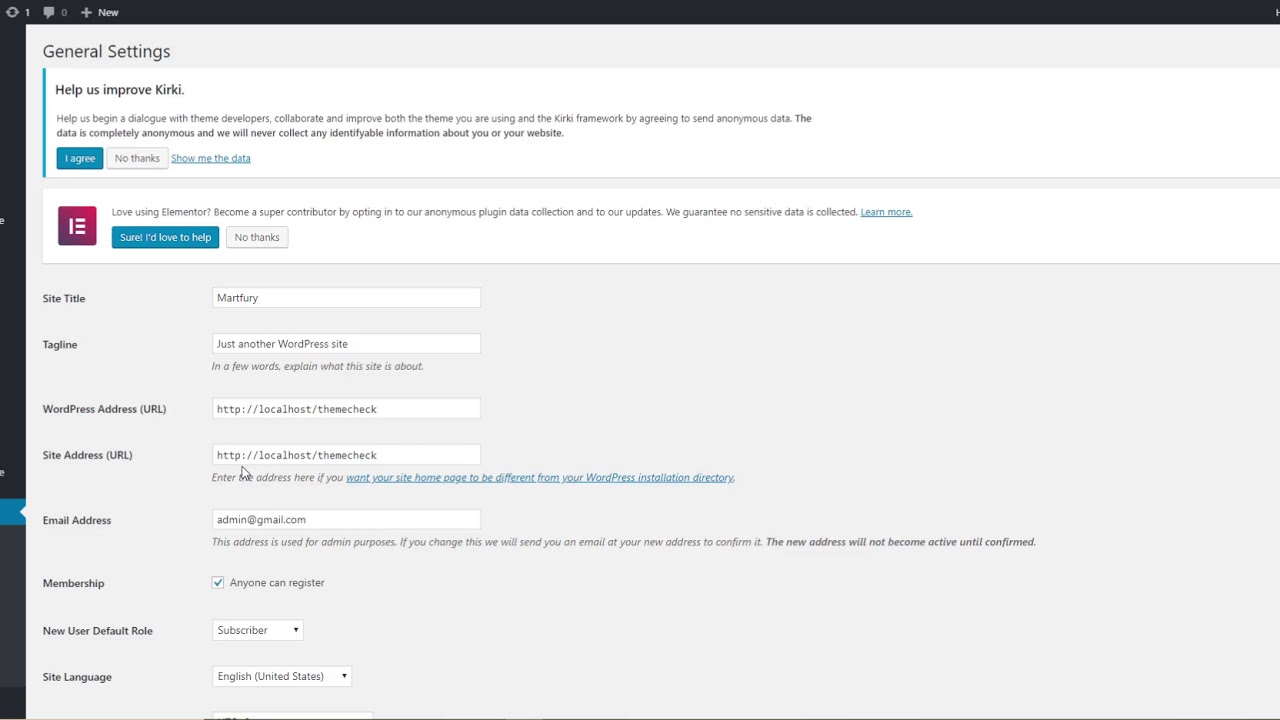
Step 2 – Go to Loco Translate > Themes and click Name theme. (ext: martfury theme)

Step 3 – Click New Language link.

Step 4 – Choose your language and choose a location is in languages/themes/.
Note: We recommend you don’t choose a location is in themes/martfury/lang/, because after you update the theme all your custom files will be lost.
Step 5 – Click Start Translate button

Step 6 – Click Source Text and enter the text you want to translate in German translation.
Step 7 – Click Save button.

Step 8 – Don’t forget to translate the required and recommend plugins.
Note: To update your language file when you updated the theme, you only click Sync button.

Done.
Check demo: https://denlednhat.com/